How to Book an Appointment
Booking an appointment on DialDoctor is quick, secure, and completely free. Follow these steps to secure your slot:
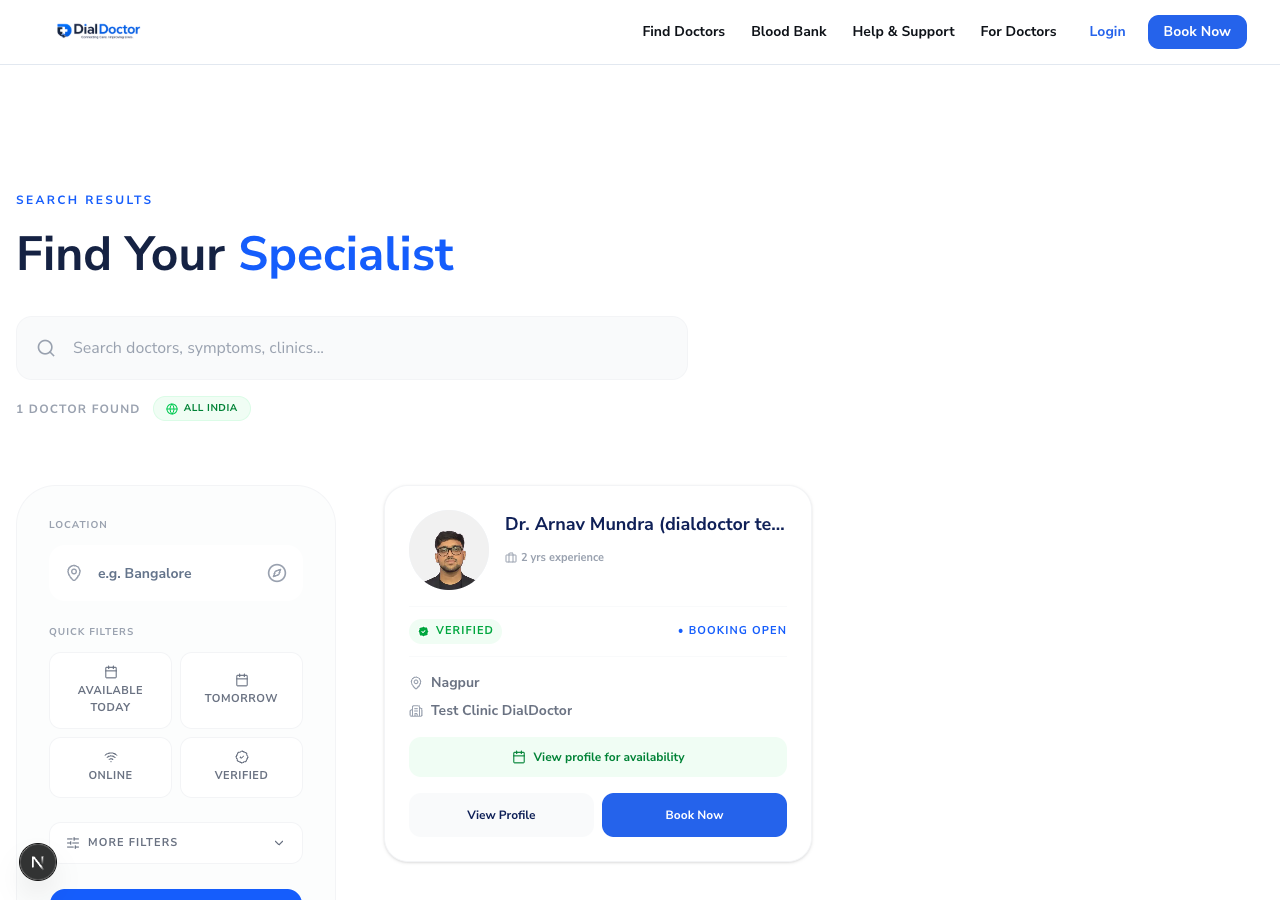
Browse through search results and click "Book Now" on your preferred doctor.
1
Search for a Doctor
Use the search bar on the home page or navigate to the Find a Doctor page to filter by specialty.
2
Select a Doctor
Click on a doctor's profile to view their experience, clinic locations, fee structure, and patient reviews.
3
Choose a Time Slot
On the doctor's profile, scroll down to the booking section. Select an available date, choose a clinic, and pick a time slot.
4
Confirm Your Details
Enter the patient's name, phone number, and a brief description of the medical issue. Once confirmed, you will instantly receive your Appointment Token via WhatsApp and SMS.